
This RJM Pedalboard Has Everything

I recently took some time to work on my own pedalboard for a change. I’ve been through several revisions in the last few months and couldn’t really land on something I loved. I recently dug out my Vertex pedalboard from storage and decided to jump in on something a little different than my latest builds.
Signal Flow:
So let’s start with the most important factor in building a pedalboard. The signal chain and what’s used to maintain the integrity of such. When you’re building a board this large, there’s a ton of cable involved. Even though I’m using high quality cable from Mogami and THE BEST connectors from Evidence Audio, I still need to ensure that I can keep my signal in tact from beginning to end of the signal chain.
Guitar Input into Goodwood Audio Underfacer
This buffered little black box does much more than provide me with an input jack on the side of my board. The Goodwood Underfacer get’s my input jack to an easier place to manage, handles summing, routes my tuner in without introducing tone suck, and has a phase switch for good measure. Because of it’s buffered input, before your guitar sees the first pedal on your board you are sending a high impedance signal to your pedals, preserving your tone.

Origin Effects Cali76 Stacked Edition
From the output of the Goodwood Underfacer, we then make a journey onto the top tier of my pedalboard. This is where we hit the first few pedals that I prefer to be outside of the looper, mostly because they’re always on. I love the Origin Effects Cali76 Stacked Edition. It’s a little larger than I’d like, but that’s fine with me. This pedal can take up to 18v (unlike the other models that handle the conversion in the pedal at 9v). Please reference the manual for your pedal before powering it up, you could blow something up, and nobody likes that. This pedal has a compressor and a limiter running at the same time, These can be blended together to create really cool results. This is particularly useful for slide guitar. Disclaimer: I’m pretty sure this model has been discontinued and updated to a smaller enclosure and now only runs at 9v.
Spaceman Atlas IV: Preamp Booster
This preamp pedal is always on for me. I can’t explain what it’s doing to my tone but I like it alot. The Atlas IV Preamp Booster is worth every penny. I recently purchased mine from Eastside Music Supply in Nashville, TN and I haven’t taken it out of rotation since. I really don’t think I’ve played with it bypassed since I’ve purchased it.
Source Audio EQ2
I have a complicated relationship with this pedal. On one hand, I think I’d rather an EQ pedal that doesn’t have midi, on the other hand I see the benefits. I’m currently having a ton of issues making this work with my RJM PBC Mastermind 6x. The main issue is that I can send PC messages fine but the CC messages refuse to cooperate. I’m currently working with RJM and Source Audio to try to find a fix for this. I’m also not a huge fan of how it connects to the editor. I’m not exactly sure why it uses mini usb but that get’s a touch annoying. I’d much rather USB C or bluetooth connectivity. It is what it is though, you can have your cake or you can eat it. You can’t have both. I have to say though, the editor is great and I’m having fun experimenting and exploring this pedal. The Source Audio EQ2 is so much more than an EQ though. It has a tuner, noise gate, over 100 presets, and duel processing. What do I mean by duel processing? So on the outside it looks like it’s just stereo in and out but that would be such an understating thing to say. This pedal can actual process two completely separate signals amongst other interesting configurations. I’m actually considering adding a line into my RJM PBC Mastermind 6x with the second lane of processing for some creative effects. Probably not until I can get the kinks worked out with the midi issues though.
RJM PBC Mastermind 6x
I LOVE THIS SWITCHER. It’s so much more than your typical switcher though. The midi workflow that you can achieve with this pedal makes it feel like you’re not really using midi at all. Everything is so easy to operate. I’ve learned that if I’m having an issue, it’s usually from the manufacturer of the pedal that it’s trying to control. I’m looking at you, Eventide. Usually a firmware update will fix most of those problems and we’re currently beta testing new Eventide firmware to see if it fixes some bugs. The output of my Source Audio EQ2 is feeding the buffered input of the RJM PBC Mastermind 6x. From there it hits the loops and the MIDI Chain begins. This is the first pedal in the midi chain. That flow looks like this: RJM PBC — Disaster Area Smart Clock Gen 3 — Eventide H90 — Source Audio EQ2 — Mobius — Timeline — Bigsky. The RJM editor is so user friendly and it has some of the best buffers on the market in the input and the outputs. It also offers an unbuffered input if that’s something you’re looking for. It’s also worth noting that any of the loops can be rearranged on a global or preset level to get the most out of your signal chain.
Loop 1: Electro Harmonix Nano Pog
This pedal really doesn’t require much of an introduction. It’s a little more brighter than the Micro Pog or the POG2 but I don’t take issue with that whatsoever. It’s tiny and does the big worship lead line thing, and that’s whats important to me. I’ve had the POG2 and really just felt like it did way more than I really wanted out of an octave pedal. Nano Pog really does the job for me.
Loop 2: JHS Fumble
I really like this pedal. It’s simple and offers great color and a touch of gain to help me break up better. This pedal stacks really well with the Atlas IV and the 1981 LVL. Just treat it like an amp. Want more gain? Crank the input and lower the output. Want more headroom, Crank the output and lower the input. It’s really that easy.
Loop 3: 1981 Inventions LVL
This is an oddball LVL that I got from Matt Hoopes nearly a year ago now. The pink enclosure caught my eye, but I also really like that it has a red LED. Strictly visual preferences obviously. I own another 1981 Inventions LVL, sometimes I’ll take a page from Matt’s book and stack them together for a really cool overdrive tone. Matt currently has a special edition that I’m tempted to buy, with the cover of Forget and Not Slow Down on the face of the pedal. If you’re a fan of Relient K, go buy this special edition before he runs out. I’ll be a jealous boy for sure.
Loop 4: JHS Kilt V2
I’ve been a fan of JHS pedals for a long time. I’m also a huge fan of Stu-G and the Expandora. So this one was a no-brainer purchase. Mine has been through the depths of hell and could use a once-over soon. I personally own an Expandora and this is just better, I’m not sure what Josh Scott did differently, but it worked. It’s also amazing having the dipswitches found in the Expandora in toggle switch form on the JHS Kilt V2.
Loop 5: 1981 Inventions DRV
As I hinted to earlier, I’ve always been a huge fan of Relient K and Matt’s guitar work. So I purchased a DRV pretty early on. I now own three DRVs and I don’t mind your judgement. I have the MMHMM version and the Germanium versions in addition to the white one featured on this build. The Germanium version is incredible and offers a different set of options that I love. I swap the two out pretty often.
Insert Loop: Lehle Mono Volume S
This is a great, active, volume pedal and I don’t know much more than that. It feels great and does the job. Learn more about the Lehle Mono Volume S here. It can run at variable voltages for better headroom as well.
Loop 6: Goodwood Audio Audtion
If you’re anything like me, you want options but don’t want to rip your board apart. Stereo pedal? Not a problem. Because of it’s TRS jacks, you can place a stereo delay or reverb into this loop with no problems. Just need the correct cable for it. It has a power through jack as well, keeping everything super easy. Check out the Goodwood Audio Audition.
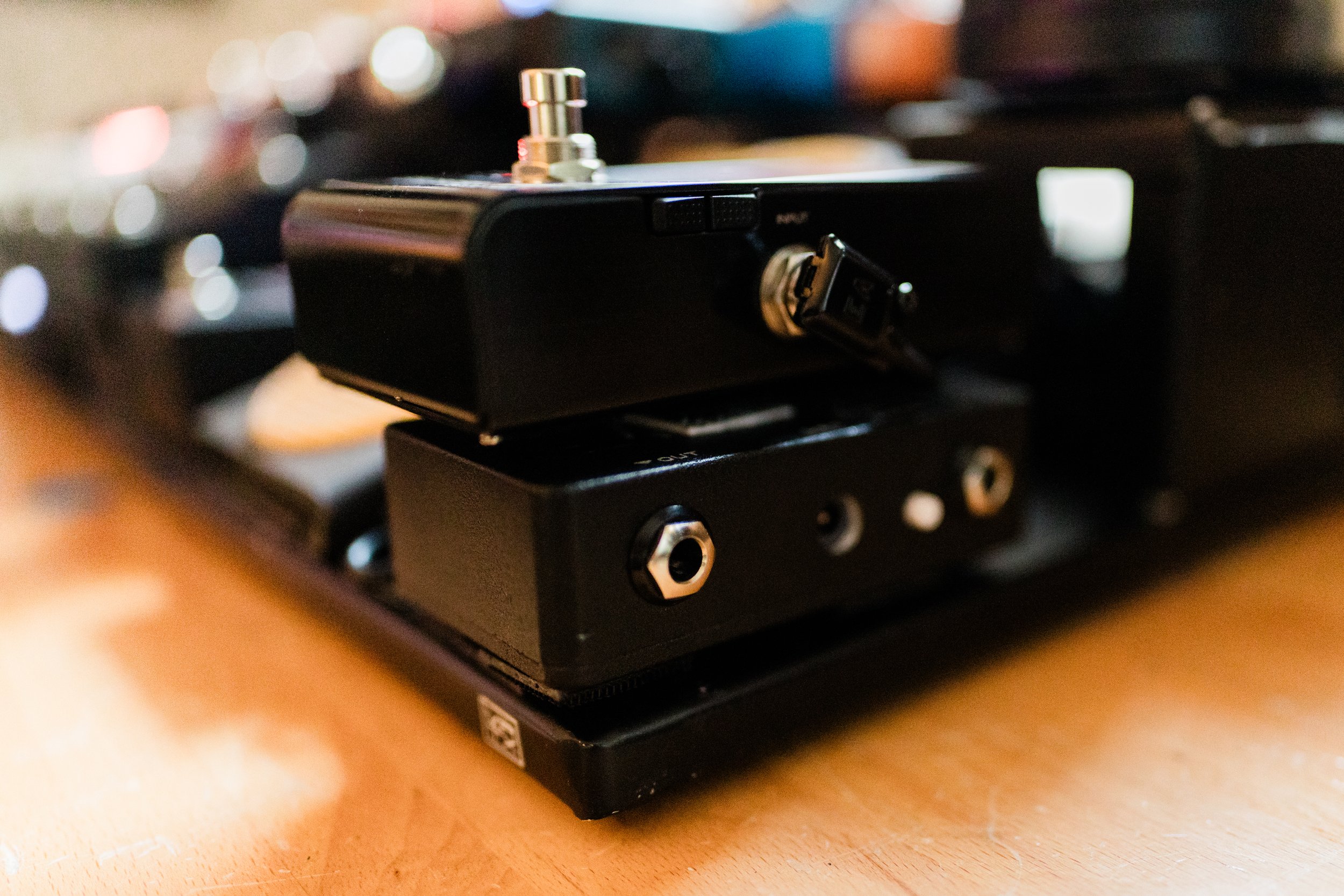
Eventide h90
Leaving the stereo output of the RJM, I then hit the Eventide h90. I’ll be the first to admit that I’m not scratching the surface of what this pedal can do. It has a pretty significant learning curve in my opinion. The midi functions needs some work as stated above, specifically with recalling the bypass state. The modulation algorithms are the main reason for me grabbing this pedal, but the delays and reverbs are also insane. I’m not using the duel routing, or pre/post, functionality of this pedal as it just felt like overkill. I have used it as two separate RJM loops in the past and it was great for that. I just don’t see the need with this build.

Strymon Mobius:
This pedal does so many cool things that I love to exeriment with. For the most part, it’s my default pedal for modulation sounds. The h90 is great but the Strymon Mobius is easier to grab something fast.
Strymon Timeline:
No introduction needed. You’ve seen it, you’ve heard it. It’s not the most inspiring pedal on the market but at the same time, it does everything you could possibly need. I’ve used this pedal for 7 years and it’s still going strong. Should I release some presets for the Strymon Timeline? My favorite mode is the dTape and the duel. I’ve thought about grabbing the Timeline MX but honestly can’t seem to see the point. If the Mobius had an MX version, I’d be much more keen on that. Not sure why Strymon released the Timeline MX and Bigsky MX before the Mobius MX. I feel like most people that I know would rather that anyway.
Strymon BigSky:
I like Strymon and I see no need to apologize for such antics. The Strymon Bigsky is a staple of many players boards, particularly due to the Cloud setting. I literally only use the Hall and Cloud modes. I have my workflow figured out and probably use 6 out of the 300 presets available. Am I the only person that feels like Strymon really needs to overhaul NIXIE or throw it in the trash? I shouldn’t have to have MIDI interface cable to get into the app. I long for the day that I can access the editor just from plugging into to my RJM Mastermind PBC 6x. I’m not sure if this is something RJM needs to work on or Strymon, but please add this feature!
Two Full-Size Tonex Pedals
I’m a big fan of Tonex. I’m working on my own captures but in the meantime, I’ve been using ToneFactor and Tone Shepherd packs. Right now I have two configurations that I like: Prosonic and AC30 as well as set of Marshall/Plexi captures. I went with the full size units for many reasons, one of which is easier control and more knobs. I hate dealing with apps and vauge controls.
Back to the Goodwood Underfacer.
This is where things are a touch weird. Because I’m using a pair of Tonex units, I wanted to use the Goodwood Longline V2 to get my DI signal sounding right (more on that in a second. I usually just skip the outputs on this pedal and go straight to the Longline v2. However, I’m using this as a patchbay to get me there. Because of this, I’m able to access my phase, mute, and summing switches without digging underneath my Eventide h90 to try and hit those buttons. This is more preference than anything.
Phew Finally: The Goodwood Longline V2
If you stuck around this long, congrats, you’re an American Hero. The Longline V2 does magical things to your signal when your using pedals like the Tonex, HX Stomp, or ACS1. The signal coming out of this box is HOT. As mentioned before, I have it setup in a way that means I don’t have to mess with the controls. The Underfacer handles that before hitting the Longline. Again, this is really just for convince. I do have the pad switch engaged due to how hot the signal is coming out.

Let’s Build a Pedalboard Together
Your pedalboard should look, feel, and most importantly, sound like you. As a Nashville pedalboard builder, I understand the importance of showing up to a gig with a rig that you know you can count on. Contact today for your free consultation call.